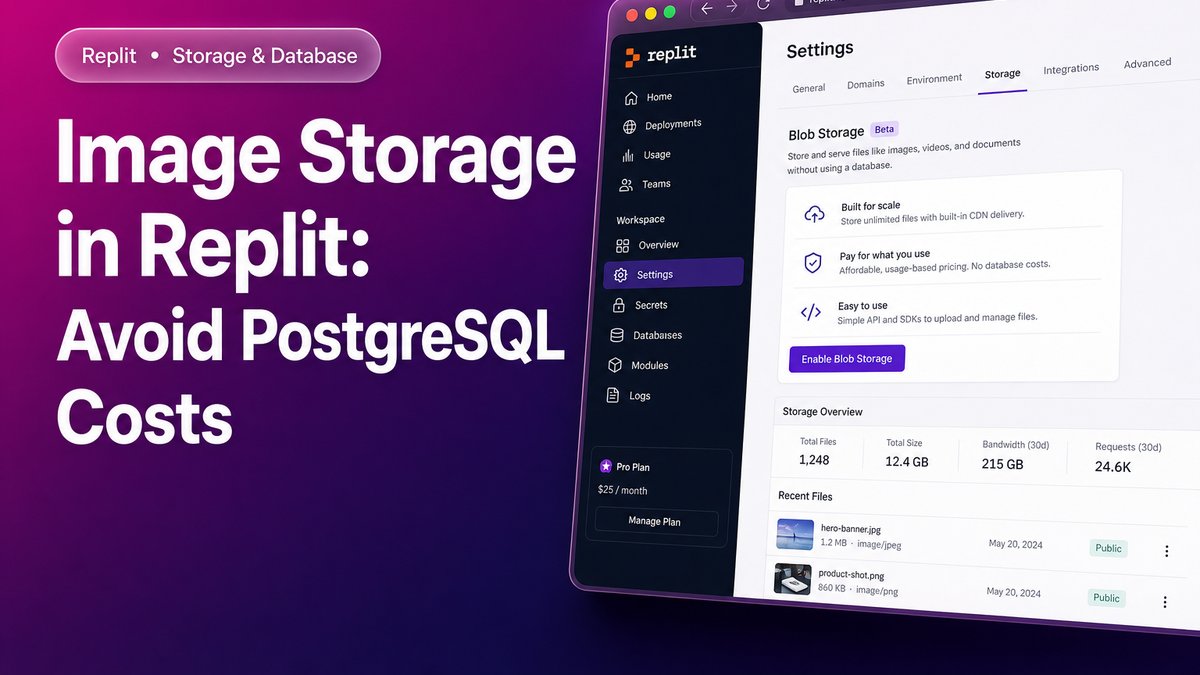
Storing images directly in a PostgreSQL database on Replit is one of the most common causes of high costs and slow performance in production. Efficient alternatives for image storage in Replit remove that weight from the database without compromising project reliability — and understanding each option before you build saves costly migrations later.
Before choosing an approach, one fundamental limitation shapes every decision: files written to Replit’s local filesystem at runtime are lost when the application is redeployed. The container is rebuilt from your committed repository code, so any image saved at runtime disappears in production after each redeploy.
Why avoid saving images in PostgreSQL on Replit?
Saving images as BLOBs in PostgreSQL consumes database storage at a per-gigabyte rate significantly higher than any object storage service. Every time a user loads a page displaying images, the Flask server must retrieve the BLOB bytes, run the conversion with Pillow, and return the response. That cycle repeats on every request, for every image, with no possibility of efficient network-level caching.
The impact compounds with volume. More images mean a larger database, slower general queries, and a higher bill. Moving images out of PostgreSQL — the practice of guardar imágenes fuera de PostgreSQL — resolves all three problems simultaneously.
What are the real options for image storage in Replit?
Four viable paths exist for almacenamiento de imágenes en Replit, each with different levels of complexity, cost, and fit depending on project size.
Option 1 — Replit Object Storage (recommended for most projects)
Replit Object Storage is an object storage service built directly into the Replit platform, with a Python SDK included and no external accounts required. Files stored here persist across redeploys and restarts, unlike the local filesystem. Each image is identified by a descriptive key and served either through a Flask proxy route or via a presigned URL.
- Persistent across redeploys and restarts — no data loss on deployment
- No external service or additional API key required — stays inside the Replit ecosystem
- Lower cost than database storage at scale — almacenamiento objetos Replit is priced per GB at rates well below PostgreSQL blob storage
- Adds one network hop compared to local disk, though still faster than retrieving a PostgreSQL BLOB and converting it with Pillow
- Subject to plan limits — review your active Replit plan’s storage quota before sizing the project
Option 2 — Cloudflare R2 or AWS S3 (best value at scale)
Storing images in an S3-compatible bucket is the most cost-efficient long-term option. Cloudflare R2 Replit integrations are particularly attractive because R2 charges no egress fees, meaning image downloads generate no additional cost. Images are served directly from the R2 public URL or a CDN, with Flask never handling a single image request.
- Permanent storage with no risk of loss
- Images served at CDN speed, entirely outside the application server
- Storage rate far lower than PostgreSQL per gigabyte
- Requires creating a Cloudflare account and configuring an R2 bucket (15–30 minutes)
- Needs at least one environment variable holding the R2 API key — Replit Secrets handles this cleanly
Cloudflare R2 Replit setups also benefit from Cloudflare’s global network, giving images low-latency delivery without a separate CDN configuration.
Option 3 — Local filesystem committed to the repository (development only)
Writing images to the local filesystem and serving them through Flask’s static file handler is the simplest approach in terms of code. It works correctly in Replit’s development environment but is unreliable in production because files written at runtime vanish on redeploy. The only way they survive is to commit them to the git repository, which becomes unmanageable as images accumulate.
- Simplest code to implement
- Not safe for production on Replit
- Bloats the git repository with binary files
Option 4 — Hybrid strategy: thumbnails in external storage, full images in the database
The lowest-risk migration moves only thumbnails to external storage while keeping full-resolution images in the database. Thumbnails are the assets served on every card, listing, and page load; full images are only needed when a user explicitly downloads them. This approach delivers the greatest performance improvement on the most frequent serving path with the smallest code change.
- Minimal code change, minimal regression risk
- Targets the real bottleneck — thumbnails are the most frequently requested assets
- The full-image download path remains untouched
- The database still stores full-resolution image bytes, so the storage cost saving is partial
Comparing image storage options for Replit projects
The table below summarizes the key characteristics of each option to support a decision based on project requirements.
| Option | Persistence on Replit | External account | Relative cost | Serving speed | Complexity |
|---|---|---|---|---|---|
| Replit Object Storage | Yes | No | Low | High | Low |
| Cloudflare R2 / AWS S3 | Yes | Yes | Very low | Very high (CDN) | Medium |
| Local filesystem | No (runtime only) | No | No extra cost | Very high (local) | Very low |
| Hybrid (thumbnails external) | Yes (thumbnails) | Optional | Low to medium | High | Low to medium |
Which combination works best for almacenamiento de imágenes en Replit?
The most balanced combination for most Flask projects on Replit is Option 1 paired with Option 4: migrate thumbnails first to Replit Object Storage and serve them through a Flask route with a long-duration Cache-Control header. This eliminates the primary performance bottleneck without requiring any external account and with the lowest regression risk.
If the project expects to grow to hundreds of images or more, Cloudflare R2 Replit integration becomes more attractive. Images are served from Cloudflare’s CDN without per-request cost and without consuming Flask server resources. The migration can proceed in two phases: thumbnails to Replit Object Storage first, then a subsequent move to R2 when volume justifies it.
For teams already using AWS, Amazon S3 is an equally valid alternative to Cloudflare R2. The almacenamiento objetos Replit workflow is identical — store the bucket credentials in Replit Secrets, use the boto3 SDK in Python, and serve images via a public bucket URL or presigned link.
How do you set up Replit Object Storage step by step?
Integrating Replit Object Storage into an existing Flask project follows a straightforward process that does not require modifying core business logic.
- Enable Object Storage in your Repl from the Replit tools sidebar. The service appears under “Object Storage” in the storage section.
- Install the Python SDK by adding
replit-object-storageto your dependencies file. - Upload images using the SDK client. Assign each image a unique, descriptive key that identifies it without ambiguity.
- Create a proxy route in Flask that retrieves the image from Replit Object Storage and returns it to the client, or generate a presigned URL to bypass the server entirely.
- Add a
Cache-Controlheader with a long expiry on image responses so browsers cache thumbnails and reduce repeated requests. - Delete the corresponding BLOBs from PostgreSQL once you have verified that serving from Replit Object Storage works correctly in production.
Build more efficient projects on Replit
Managing almacenamiento de imágenes en Replit correctly from the start prevents costly migrations and prevents database performance degradation as image volumes grow. Replit Object Storage covers the majority of project needs without leaving the platform, while Cloudflare R2 provides a cost-efficient path for higher-volume applications that need CDN-level delivery. Choosing the right storage layer early — and keeping image bytes out of guardar imágenes PostgreSQL patterns — is one of the highest-leverage architectural decisions in a Replit-hosted project. If you do not yet have a Replit account or want to explore available plans, you can access Replit here and start with the benefits of the referral program.
Frequently Asked Questions
Is Replit Object Storage available on all Replit plans?
Replit Object Storage is available on Replit’s paid plans. Storage limits and pricing vary by plan, so review Replit’s pricing page before sizing your project’s storage requirements.
Can images be served from Cloudflare R2 without a custom domain?
Yes. Cloudflare R2 allows you to enable a public bucket URL without a custom domain. Images are served from a Cloudflare subdomain, which already provides geographic distribution and low latency without additional DNS configuration. A Cloudflare R2 Replit integration using this public URL requires no domain ownership.
What happens to images already stored in PostgreSQL when migrating?
Existing images in the database remain intact until you delete them manually. The recommended process is to migrate images to the new storage service, verify they serve correctly in production, and only then delete the BLOB records from PostgreSQL to reclaim space. This approach eliminates any risk of data loss during the guardar imágenes PostgreSQL-to-object-storage transition.
Does Replit Object Storage support large files or just images?
Replit Object Storage supports any binary file type, not just images. Documents, audio files, and exported data can all be stored using the same replit-object-storage SDK client. The almacenamiento objetos Replit service treats every upload as an object identified by a key, regardless of MIME type.